By My IPTV Sub Support Team (Setup & streaming technicians). Published .
"Can I use my IPTV subscription on more than one TV?" is one of the most common questions we hear. The short answer is yes. The longer answer depends on one word: connections. This guide explains what a connection is, how many devices you can install on, how many can stream at once, and how to choose the right number for your household.
What is a connection?
A connection is one stream playing at a time. If your plan has one connection, one device can watch at once. With two connections, two devices can watch at the same time, and so on.
My IPTV Sub plans are sold with 1 to 5 connections.
Installed vs streaming
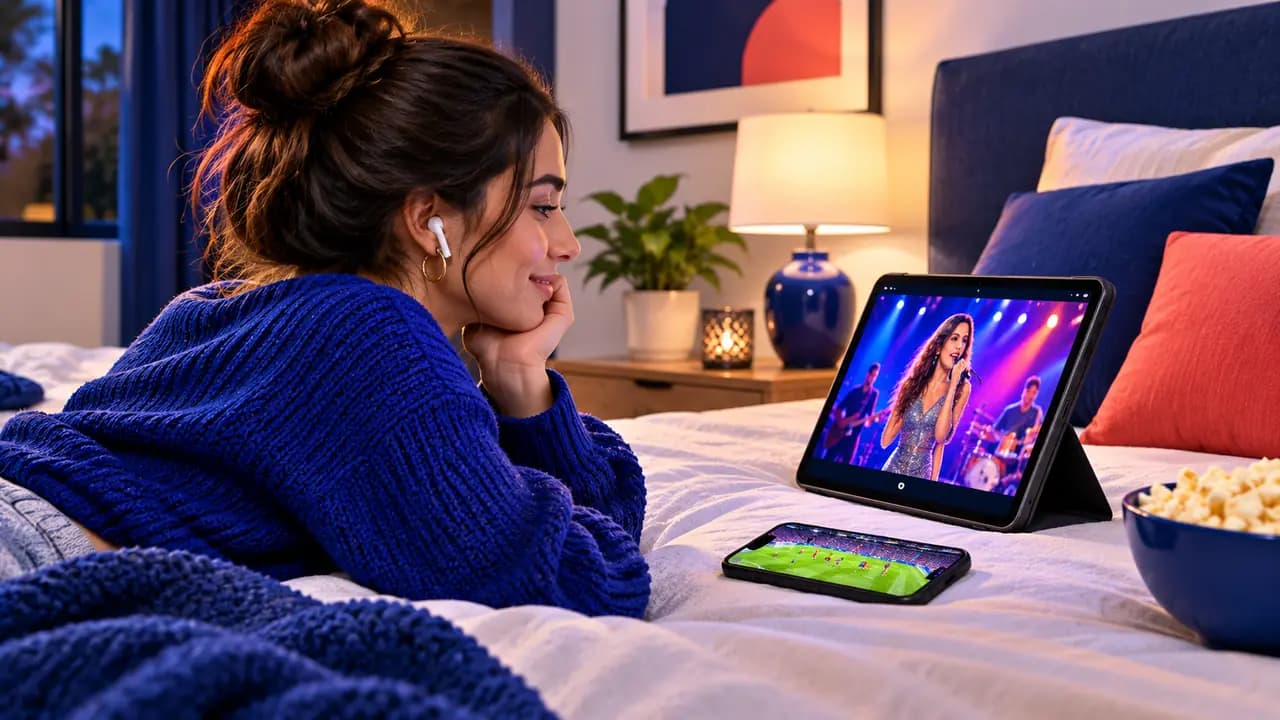
This is where people often get confused. You can install the app and sign in on as many devices as you like: the living-room Firestick, the bedroom TV, your phone, your tablet. What's limited is how many of them play at the same moment.
Example with one connection:
- Firestick in the living room: installed and signed in.
- Phone: installed and signed in.
- If you watch on the Firestick, then stop and pick up your phone, it works.
- If someone starts the phone while the Firestick is playing, one of the streams stops or shows a "maximum connections" message.
What happens if you go over the limit?
Most services, including ours, show an error such as "max connections reached" on the extra device, or stop one of the streams. Nothing is charged automatically. The fix is simply to stop watching on one device, or to add a connection to your plan.
Repeatedly sharing a login with people outside your home is a different matter: providers often block logins that appear in many places at once. Keep your login within your household.
How many connections do you need?
Count how many screens will play at the same time at your busiest moment, usually evenings or a big game.
| Household | Typical need |
|---|---|
| One person, one TV, sometimes a phone | 1 connection |
| Couple who watch together | 1 connection |
| Couple who often watch different things | 2 connections |
| Family with kids, living room + kids' room | 2–3 connections |
| Large family or shared house | 3–5 connections |
When in doubt, go one higher than you think. It's cheaper to buy two connections from the start than to add one later.
How much more does each connection cost?
Adding screens doesn't double the price. On My IPTV Sub, a second connection adds much less than a second subscription would. You can see every combination, and the per-month price for each, on the IPTV subscription price list. Longer plans keep the per-screen price lowest.
Does each connection need its own internet speed?
Yes. Each stream uses bandwidth, so add them together:
- About 10 Mbps per Full HD screen.
- About 25 Mbps per 4K screen.
Two Full HD screens need about 20 Mbps; a 4K TV plus a Full HD bedroom TV need about 35 Mbps. More detail in what internet speed you need for 4K IPTV.
Can I use different devices on one plan?
Absolutely. One plan can cover a Firestick, a Samsung TV, an iPhone and a laptop. Each uses the same login, in the app that suits that device. Our setup guides show the best app for each.
The one exception is MAG boxes, which link to your subscription by their MAC address. If you want to use a MAG box alongside an app-based device, tell support so we set up both. See the MAG box guide.
Can I watch away from home?
Yes. IPTV works over any stable internet connection, so you can watch on your phone, at a hotel or at a holiday home. The connection limit still applies: if someone is watching at home and you start watching on vacation, that counts as two.
Three real-life household examples
A single viewer. She watches the news on her living-room TV in the morning and series on her iPad in bed. She never watches on both at the same time, so one connection covers her completely. She installed the app on both devices with the same login.
A family of four. On weekends, the parents watch football in the living room while the kids watch cartoons upstairs. During the week, one of the teens often watches on a phone at the same time. Their busiest moment is three screens at once, so three connections means they never see an error.
Two roommates. Each has a TV in their own room and their own taste in shows. Two connections on one 12-month plan, with the cost split, works out far cheaper than two separate subscriptions.
Connections vs profiles
Some player apps let you create several profiles inside one login, each with its own favorites and watch history. Profiles are about organization, not about how many screens can play. Three profiles on one connection still means only one stream at a time. If you want different people to watch at once, you need more connections, not more profiles.
Planning for big events
Think about the moments when everyone watches at the same time: the big game, a fight night, the season finale everyone is waiting for. If those evenings mean an extra screen or two, it's worth planning your connections around them rather than around a quiet Tuesday. You can always start with fewer connections and add one before a big season starts.
Tips to avoid "max connections" errors
- Close the app properly when you stop watching. On some devices, pressing Home leaves the stream running in the background for a few minutes.
- Use one profile per device in apps that support profiles, so you can see which device is active.
- Restart the device if an error persists after closing the app everywhere else.
- Don't run the same channel on two screens to "test" it. Each counts as a connection.
Does every device need the same app?
No. Each device can use whichever player suits it best: TiviMate on the living-room Firestick, IPTVX on an iPad and VLC on a laptop, for example. The login is the same everywhere. Using different apps is often the best choice, because each platform has its own strengths. Our best IPTV player apps list shows which app works best on each device. The only thing to remember is that every app that is playing a stream at that moment uses one of your connections, no matter which app it is.
Can I add a connection later?
Yes. Message support with your order ID or username and we'll quote the difference to add a screen for the rest of your plan. Your login usually stays the same.
Quick recap
- A connection is one device streaming at a time.
- You can install the app on unlimited devices.
- Count the screens that play at the same time at your busiest moment.
- Each stream needs its own share of your internet speed.
- Adding a connection costs much less than a second subscription.
Ready to choose? Compare plans for 1 to 5 screens, or ask our team on the contact page if you are not sure which fits your home.