By My IPTV Sub Support Team (Setup & streaming technicians). Written and checked by the My IPTV Sub technicians who answer setup questions every day. Steps are re-tested on real devices when apps update.
What you need
- A MAG box (322, 324, 420, 424, 520, 524 or similar)
- The MAC address on the sticker under the box
- The portal URL we send you
Recommended player apps
Built-in portal
No app to install: the MAG box loads the portal directly.
Step-by-step setup 5 min
- 1
Send us your MAC address
Find the MAC address on the sticker under the box (it starts with 00:1A:79) and add it to the notes field at checkout or send it to support. We link it to your subscription.
- 2
Open Settings
Turn on the box and wait for the main screen. Press SETUP / SET on the remote (or open Settings).
- 3
Go to Servers → Portals
Select System settings → Servers → Portals.
- 4
Enter the portal URL
Set Portal 1 name to any name and Portal 1 URL to the portal URL from your email. Leave Portal 2 empty. Select Save.
- 5
Restart the box
Go back and choose Restart portal (or unplug the box for ten seconds). The channel list loads automatically.
Tips for the best picture
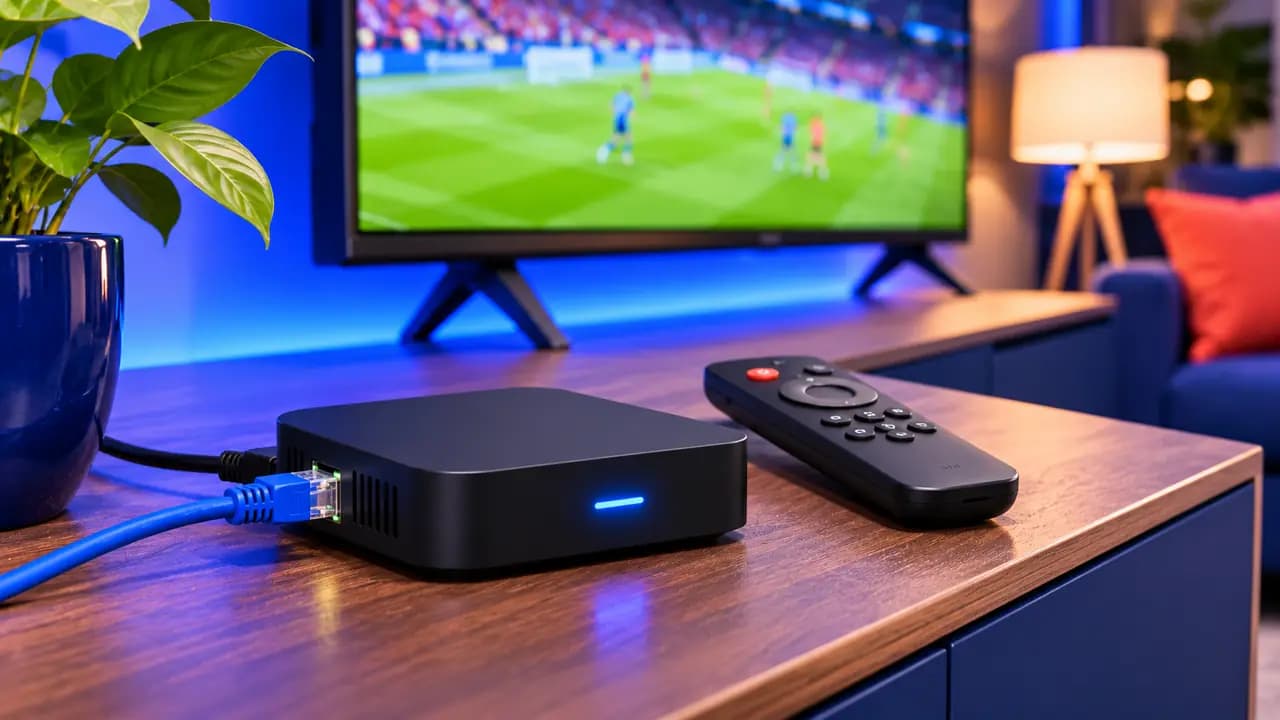
- Use the Ethernet port: MAG boxes are most stable on a wired connection.
- If you see “STB blocked” or “authorization error”, double-check the MAC address with support.
MAG box IPTV questions
Where do I find the MAC address?
On the sticker under the box, and in Settings → Device info. It starts with 00:1A:79.
Can I use a MAG box and a Firestick on the same plan?
Yes, if your plan has two connections. Tell support so we set up both login types.
Does MAG support 4K?
MAG 324, 420, 424, 520 and 524 support 4K. MAG 322 is limited to Full HD.